
KissCam
Keep It Simple, Screenshot
Fast, minimal screen capture for macOS. Screenshots and video recording without the bloat.

By downloading, you agree to the Terms of Use and Privacy Policy.
Why KissCam?
I take a lot of screenshots. I record my screen constantly. I just wanted something that captures what I need, saves it, and gets out of the way.
No account. No subscription. No fifteen features I'll never touch. Just press a shortcut, get a file, move on.
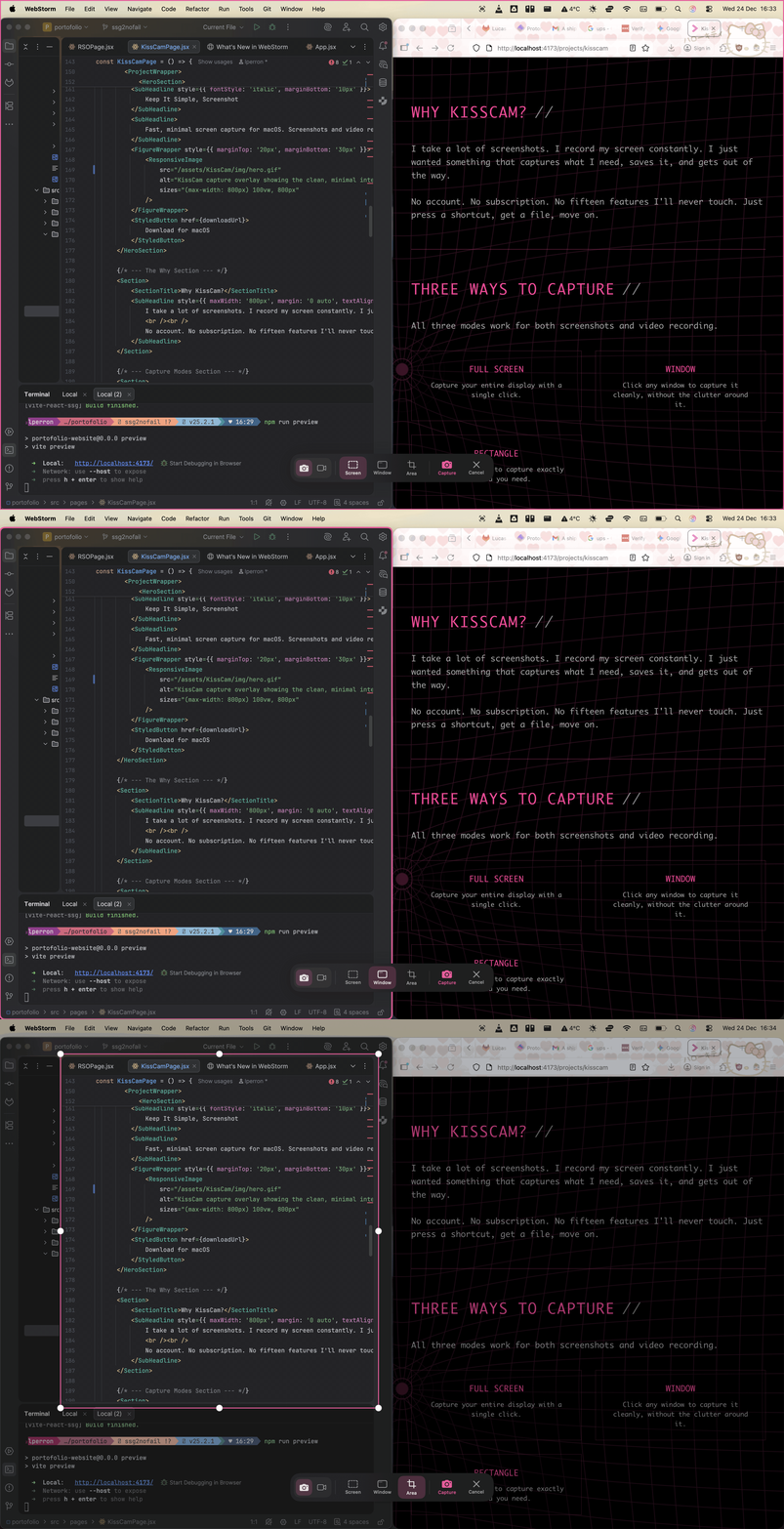
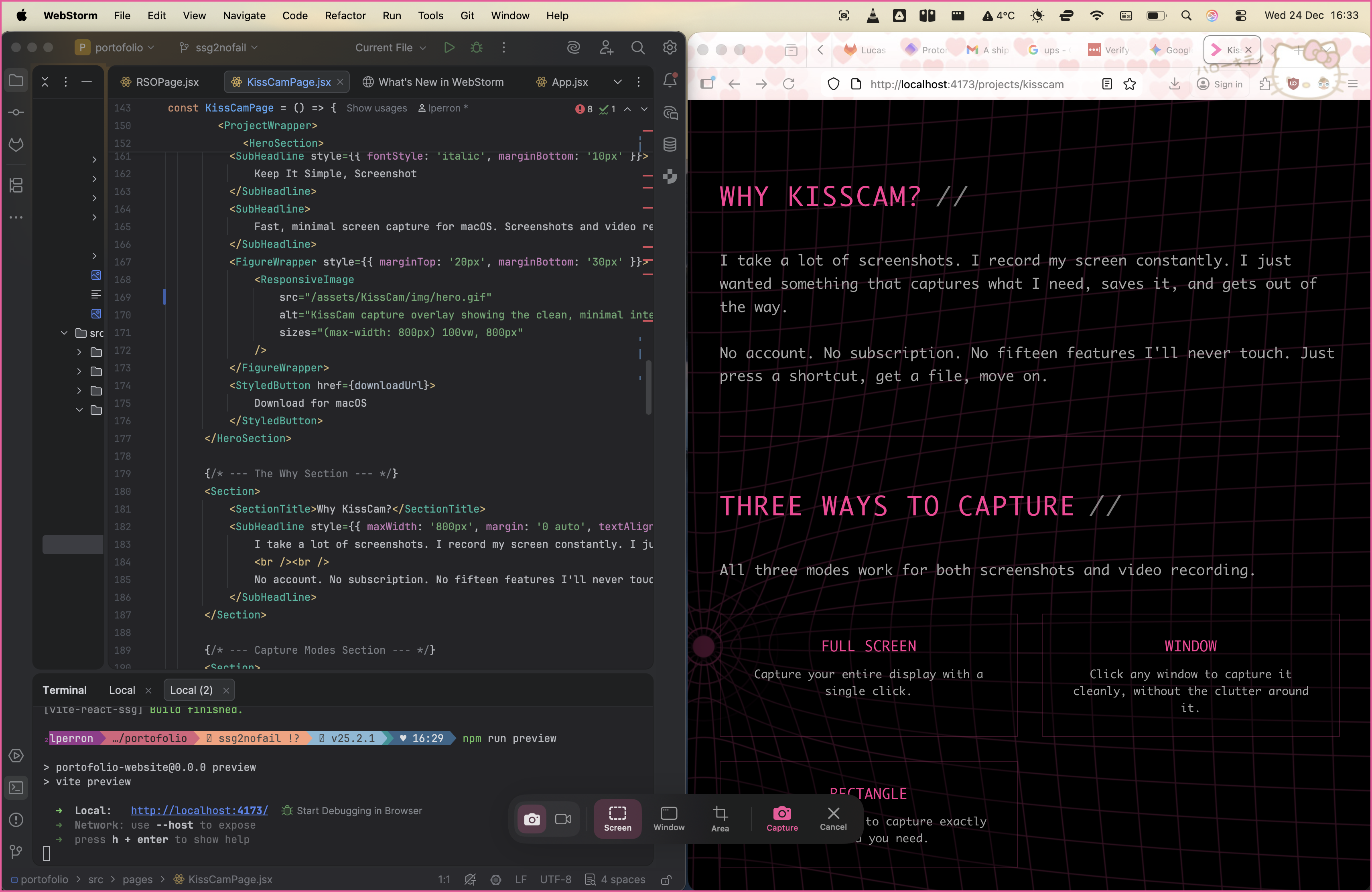
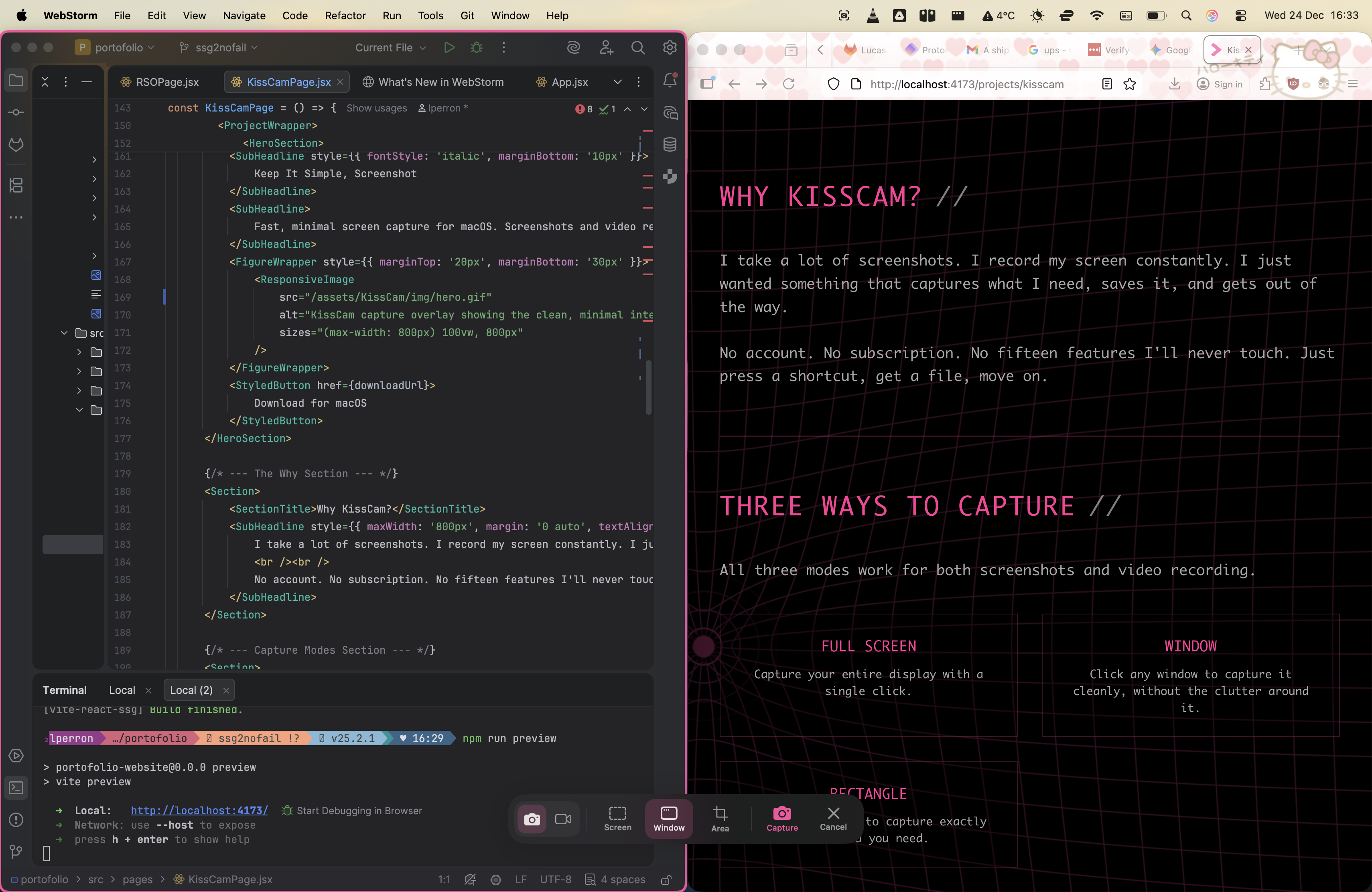
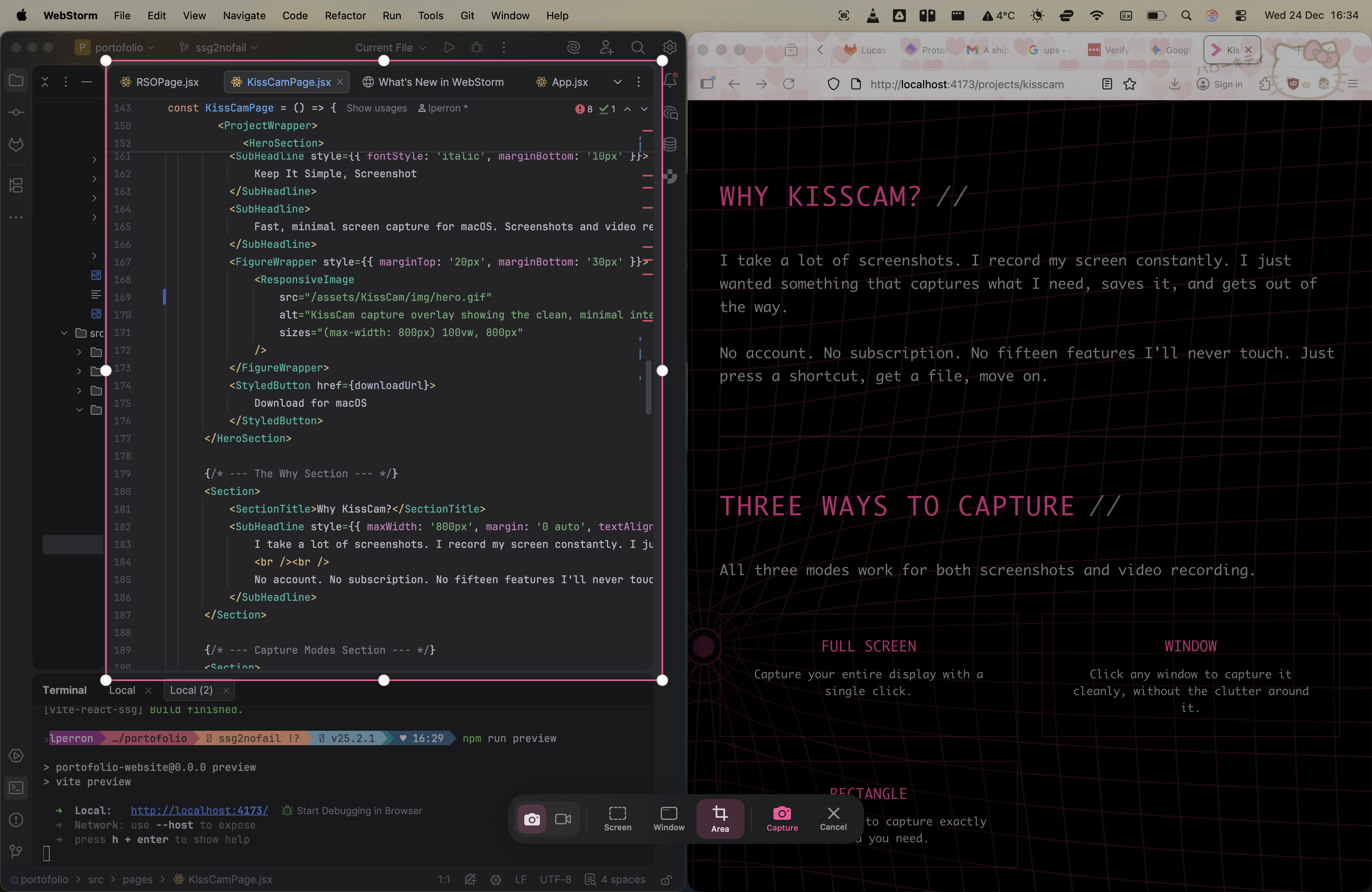
Three Ways to Capture
All three modes work for both screenshots and video recording.
Full Screen
Capture your entire display with a single click.
Window
Click any window to capture it cleanly, without the clutter around it.
Rectangle
Draw a selection to capture exactly the area you need.
Quick Capture // Zero Friction
This is the feature I built KissCam for.
Hit ⌘⇧7 for a screenshot. Hit ⌘⇧8 to start recording. No overlay, no extra clicks, no interruption. KissCam remembers your last settings: same mode, same region, same format. It just does it.
Perfect for repetitive captures. Same window, same area, over and over. Press the shortcut, get the file.
Simple, Not Limited
A clean workflow doesn't mean fewer options. Pick your formats, configure your settings once, and capture exactly what you need.
Screenshots
- Multiple Formats: PNG, JPEG, WebP, HEIC, or TIFF.
- Auto Clipboard: Every capture is automatically copied, ready to paste.
- Thumbnail Preview: A small preview appears after each capture. Click to open, drag to move, swipe to dismiss.
Video Recording
- Containers: MOV or MP4.
- Codecs: H.264 or HEVC (H.265).
- Frame Rates: 30 fps or 60 fps.
- Audio: None, System Audio, Microphone, or Both (macOS 15+).
- Countdown: Optional 0-10 second countdown before recording starts.
Keyboard Shortcuts
All shortcuts are customizable in Settings.
| Shortcut | Action |
|---|---|
⌘⇧6 | Open capture overlay |
⌘⇧7 | Quick Capture (screenshot) |
⌘⇧8 | Quick Record (video) |
Escape | Cancel capture |
Minimal by Design
- Lives in your menu bar, no dock icon clutter
- Native macOS interface with Liquid Glass design
- No bloat, no subscription, no cloud
Get KissCam
Screen capture that stays out of your way.
Download for macOSBy downloading, you agree to the Terms of Use and Privacy Policy.
- RequiresmacOS 14.0 or later (Apple Silicon)
- Combined AudiomacOS 15.0 (Sequoia) for System + Mic
- PermissionsScreen Recording, Accessibility, Microphone (optional)