Adaptive A E S T H E T I C S
An IntelliJ plugin that transcends mundane IDE limitations, transforming your environment into a living, breathing, cosmically-judged digital experience.
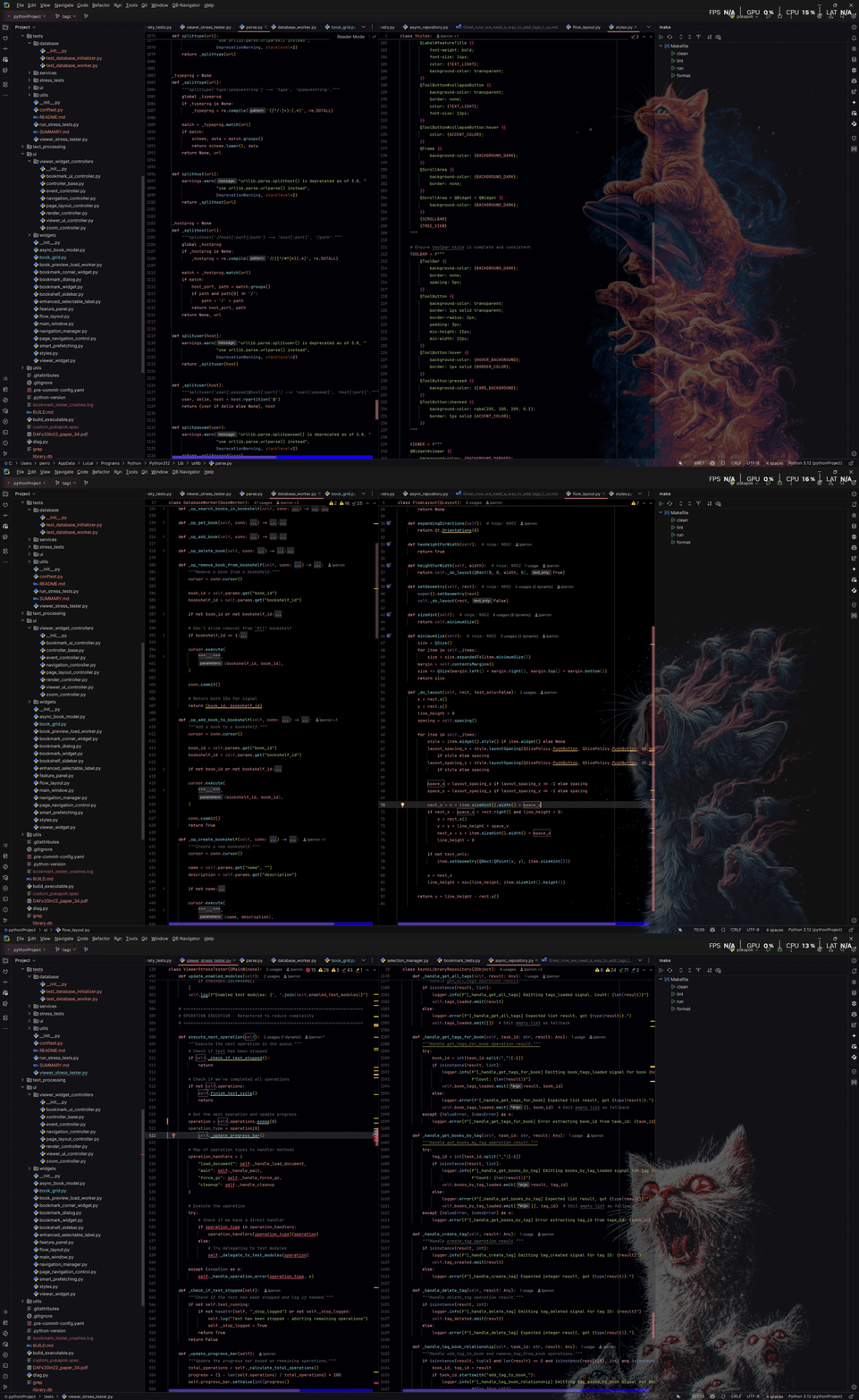
Is Your IDE Emotionally Stunted?
Do you stare at static, lifeless backgrounds while coding? Does a `NullPointerException` fail to evoke the appropriate existential dread? Does your IDE offer zero emotional feedback when your builds fail spectacularly?
These profound problems are now solved. Adaptive AESTHETICS doesn't just show errors; it makes you feel them. Warnings aren't mere suggestions; they are howled into your consciousness by ethereal felines.
Your Code State // Visualized
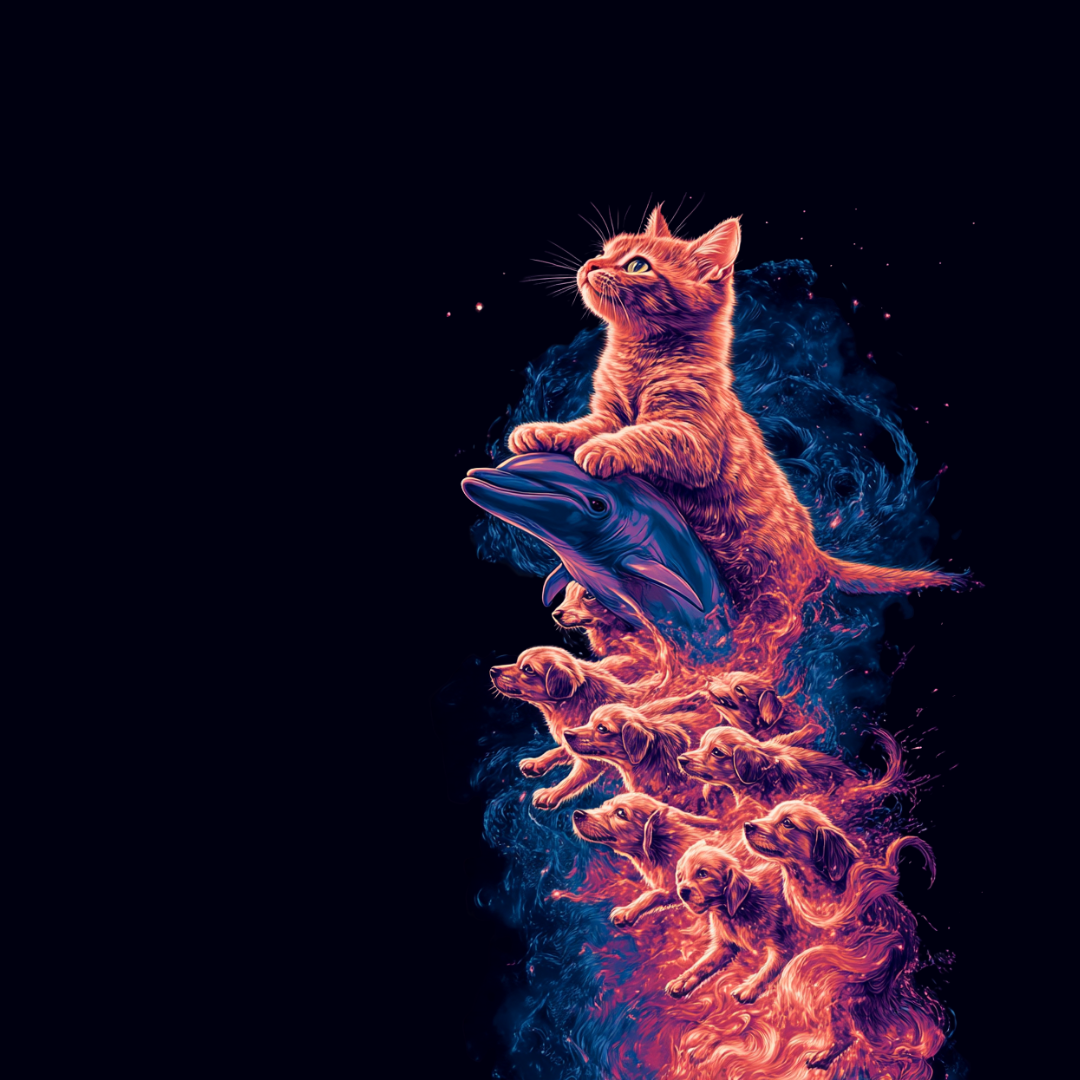
✓ No Errors ✓
Experience the tranquil guidance of the cosmic cat surfing the digital waves of perfection.
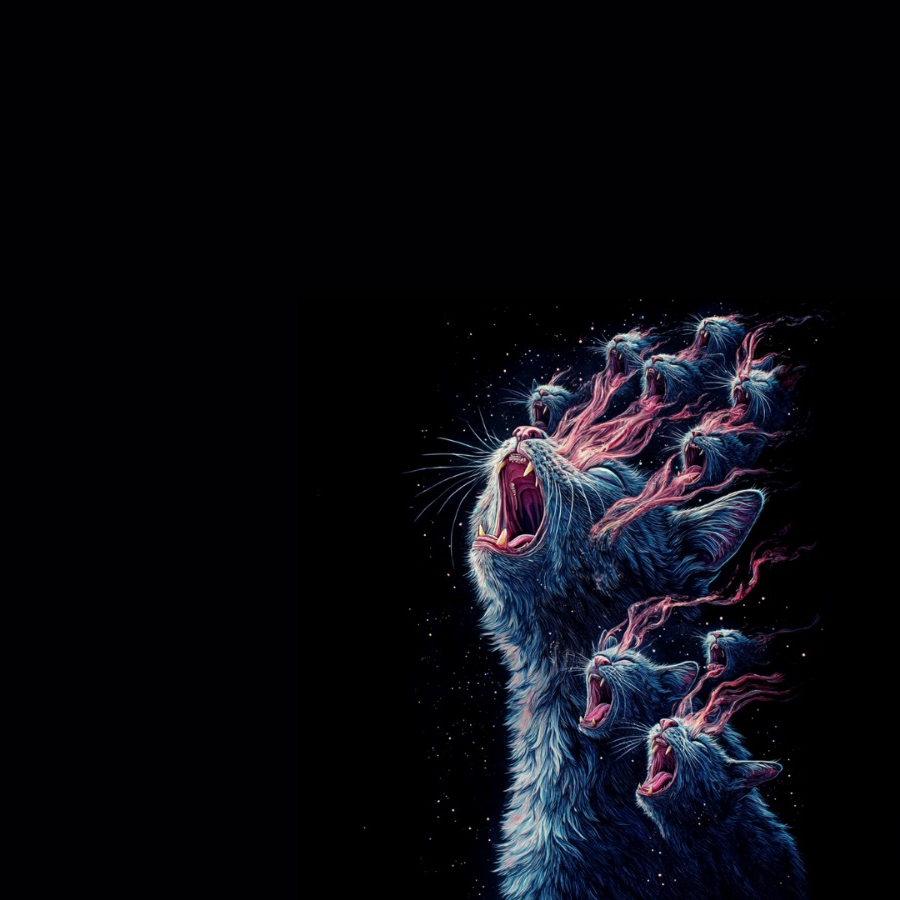
⚠ Warnings ⚠
Feel the electric blue energy of the screaming ethereal feline alerting you to potential disruptions.
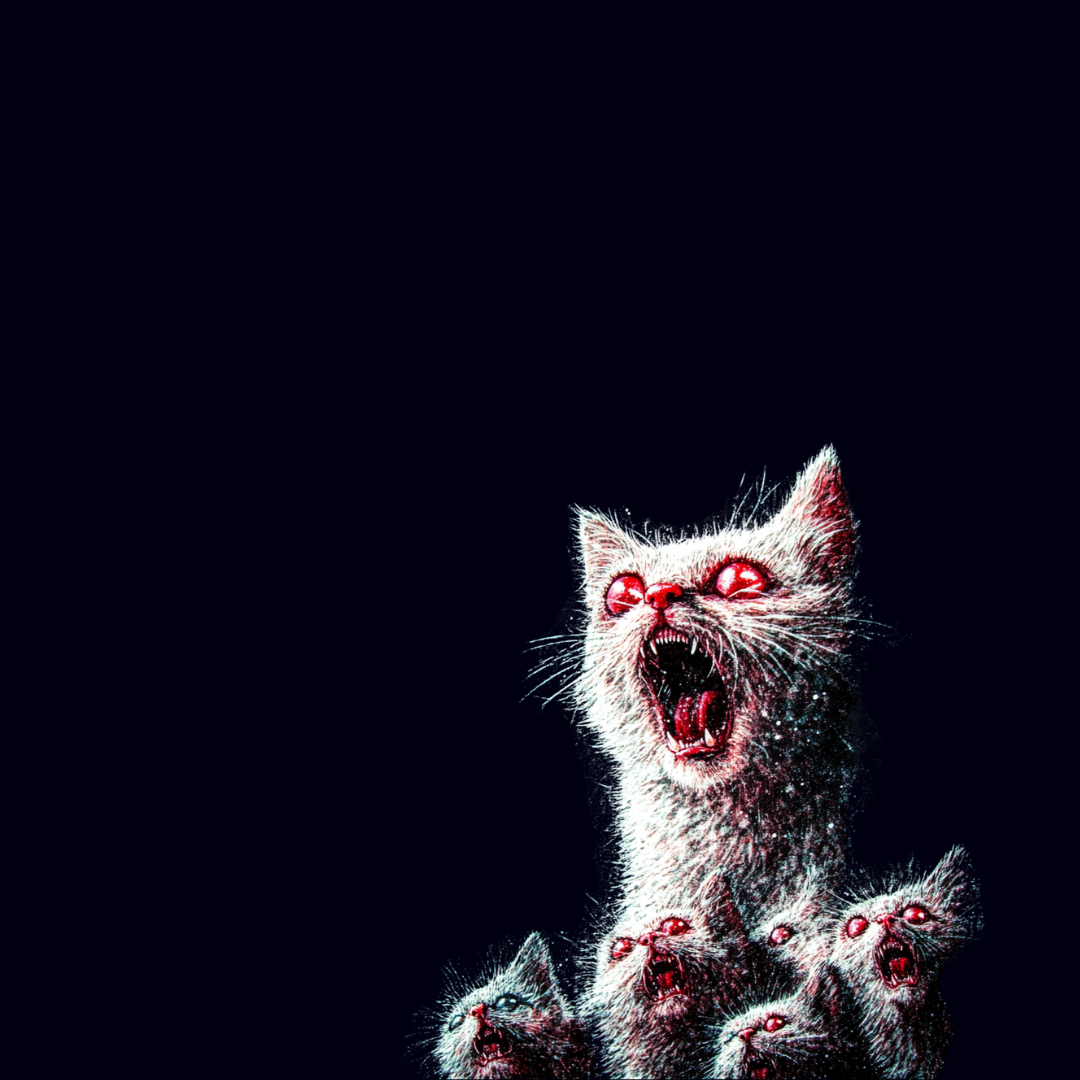
❌ Errors ❌
Witness the terrifying manifestation of the demonic multi-cat entity emerging from the void.
Core Features
- Mood-Responsive Environment: Your IDE background transforms based on code analysis results.
- Immersive Error Experience: Issues severity directly correlates with cosmic cat disturbance levels.
- Customizable: Set your own images (though denying the cats their rightful place is discouraged).
- Productivity Increase*: Studies show a 73.5% motivation boost to fix errors represented by demonic screaming cats.
_* Studies conducted in the metaphysical realm, results may vary._
Installation Protocol
- Download the latest release
.zipfile from the Releases Page. - Open IntelliJ IDEA.
- Important: If you currently use a Background Image plugin or setting, disable/remove it first.
- Navigate to Settings/Preferences (
Ctrl+Alt+Sor⌘,). - Select Plugins in the left sidebar.
- Click the ⚙️ (gear) icon → Install Plugin from Disk...
- Select the downloaded
.zipfile. - Click OK, then Apply.
- Restart IntelliJ IDEA when prompted.
- E X P E R I E N C E T R A N S C E N D E N C E
Configuration
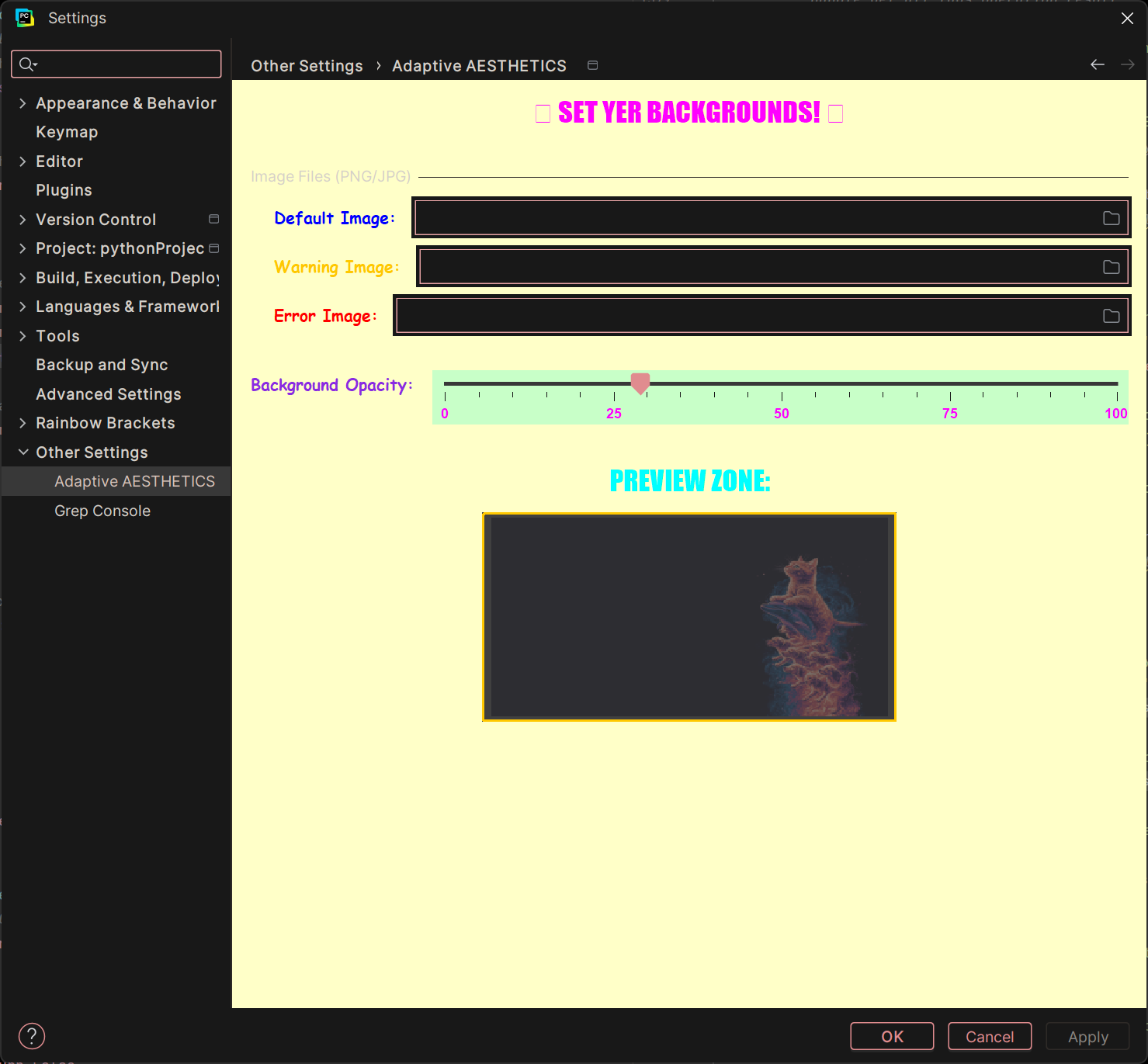
Fine-tune your cosmic journey under Settings → Adaptive AESTHETICS.
Echoes From The Void
After installing Adaptive AESTHETICS, I can no longer code without cosmic cats judging my syntax.
The screaming cat that appears when I have errors has haunted my dreams for weeks. My code has never been cleaner.
why did you summon us to this realm
A Profoundly Serious Utility
Adaptive AESTHETICS is not a joke. It is a profoundly serious solution to the critically overlooked issue of IDE background stagnation. While some may perceive it as "just cat pictures," those who understand digital enlightenment recognize it as essential developer infrastructure. The license exists in a dimension beyond conventional structures.
Embrace The AESTHETIC
Your IDE deserves to be as dramatic as you are when your tests fail. Download now.
Download From GitLab